🎯 Learning Objectives
- Examine modern technology tools that assist inclusivity and accessibility
- Explore communication tools
- Evaluate collaborative working
💬 Key Vocabulary
- collaboration
- inclusivity
- communication
- accessibility
📝 Starter Activity – Colour blindness
There are many types of colour blindness, and the images below give only a small example of the colour impairments people can have.
Use these images to help you identify and note on your worksheet any accessibility issues the example web page may have.

This is how the example web page used in the starter might look to some colour-blind people.
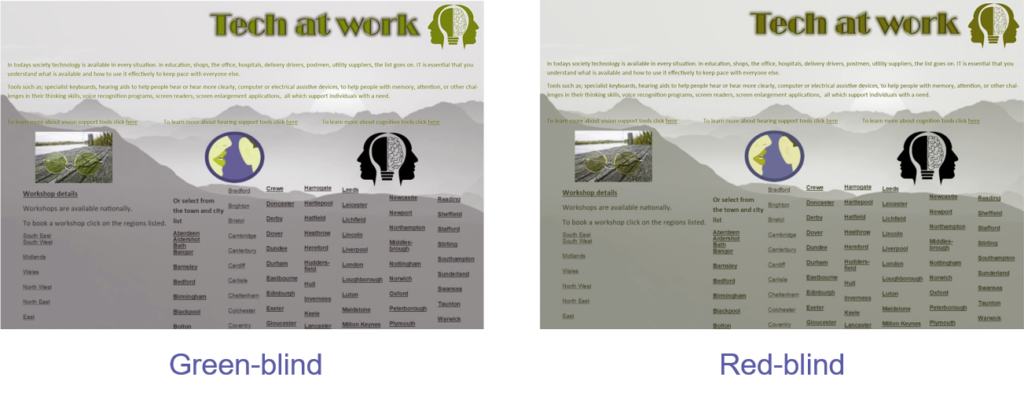
Use the starter activity activity sheet to annotate the website screenshot
📖 Accessibility tools
Technology is transforming the way individuals with a disability access the world around them.
This increases the opportunity for these individuals to successfully develop a career of their choice.

Examples include:
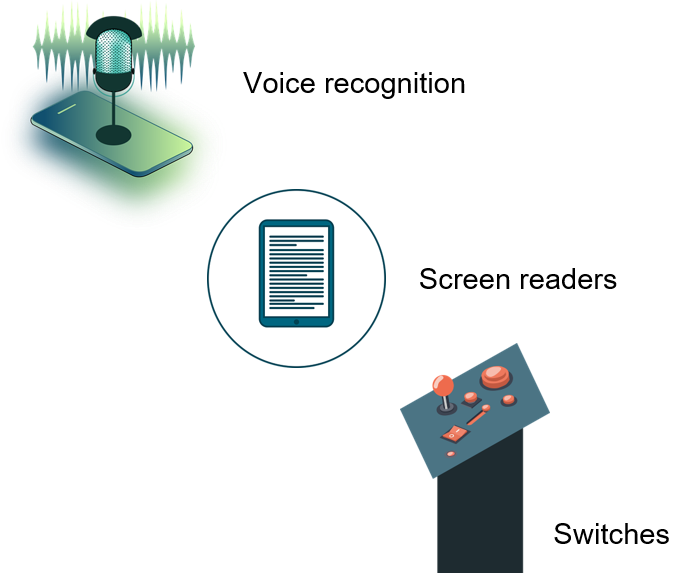
- Voice recognition that converts spoken word to digital text
- Screen readers that read screen text out loud
- Closed captioning or subtitles
- Motion or eye tracking
- Switch devices, which take the place of mice or keyboards
📝 Level 1 – Who needs what?
Using the Level 1 worksheet, match the disability to the tools available.
Explorer task: Investigate further any technology that supports a type of disability.
📖 Why is accessibility important to the world of work?
The world of work now relies on communication and collaboration to enable remote working, which, as we have seen, is important to those with a disability.
But how does the workplace communicate and collaborate?

A wide variety of communication and collaboration tools are available for the workplace.
It is important that any organisation considers the purpose of these tools, so that they can select the platform that works best for them.
Some available platforms:
- Google Workspace
- Slack
- Cisco Webex
- Dropbox
- Trello
- Evernote
- Zoom
- CloudConnect
- Teams
📝 Level 2 – Supporting individuals
Download the activity sheet and fact sheet below, put them side by side on your screen. Read about Sean and how his disability affects his work and how technology is being used to help him. Answer the two questions about the situation. The first question has been done for you so you know what kind of answer we expect.
📖 Communication and collaboration
What do communication and collaboration mean to you?
Answer
- Collaboration means the ability to work together on the same document. Most platforms allow this by connecting to online (cloud) software
- Communication means direct (instant messaging) or indirect (email) conversations or message dissemination
📝 Level 3 – Collaborative working
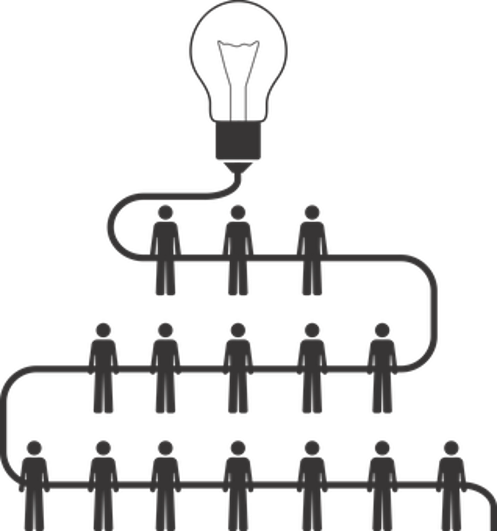
Using the Level 3 worksheet below, place the following statements into the correct sections of the Venn diagram:
- A document can be worked on by more than one colleague at the same time
- The progress of a task can be tracked
- A better product can be delivered quickly
- Shared ideas may create conflict
- There can be varied levels of skill within a platform
- Files can be accessed anytime, anywhere, and on any device
📝 Working collaboratively
In pairs, you will use the online version of PowerPoint to create an infographic that explains the use of technology and its benefits for accessibility in the modern workplace.
What is an infographic?
An infographic gives an overview of a topic using images, drawings, charts, data, and minimal text.
Because it is represented like this, the information is easier to understand.
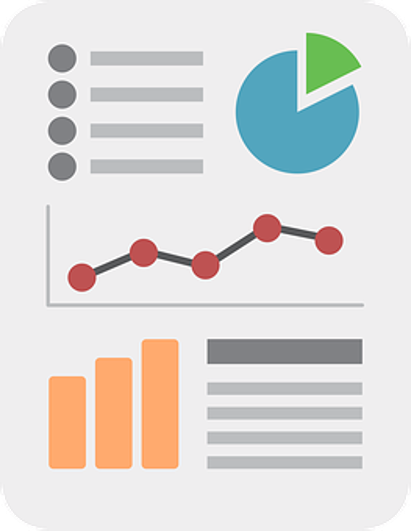
The best infographics use statistics to highlight the points being made.
Use the internet and/or AI to help you find statistics, but make sure they are accurate before using them!
Useful statistics
- Some 52.8% of people with a disability are in employment.
- From 2019 to 2025, the number of people employed with a disability increased by 25%.
- Altogether, 74,000 people in 2024/25 were given access to work support, this means the government paid for technology to help them work.
In your groups:
- Think about the key points that you have learnt this lesson on accessibility.
- Allocate one team member to research statistics that might be also be used for the infographic.
- The other team member should present these key points as an infographic in PowerPoint.
🏅 Level Up
🥇 Level 1
- Complete the Level 1 worksheet indicating what type of disability each piece of technology helps with and upload it to Teams.
🥈 Level 2
- Complete the Level 2 worksheet answering how Sean uses technology to help his work and upload it to Teams.
🥉 Level 3
- Complete the Level 3 worksheet complete the Venn diagram and upload it to Teams.
In this lesson, you…
- Explored technology tools for accessibility
- Investigated the benefits and drawbacks of collaborative working
Next lesson, you will…
- Examine effective online communication
- Discover appropriate email etiquette