🎯 Learning Objectives
- List the common malware threats
- Examine how different types of malware cause problems for computer systems
- Question how malicious bots can have an impact on societal issues
💬 Key Vocabulary
- ransomware
- malware
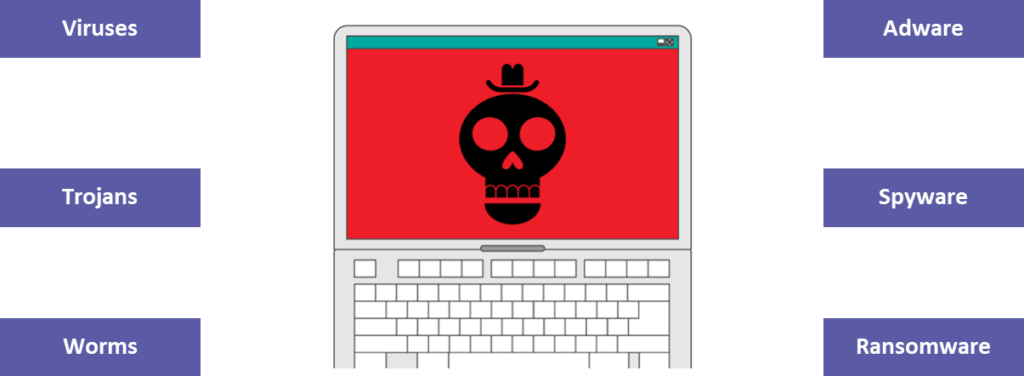
- viruses
- trojans
- worms
- adware
- spyware
- bots
- botnet
📝 Starter Activity – You’ve been hacked!
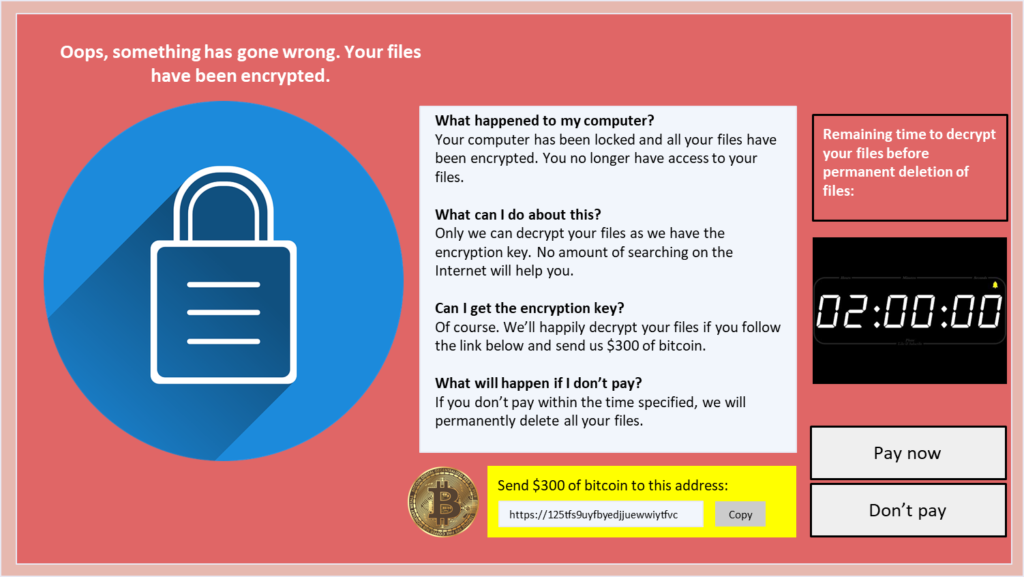
Imagine that you turn on your computer and you see this screen, what should you do?
- Pay now
- Don’t pay
Discuss which choice you would make and why with the person next to you.
📖 Malware
Malware (malicious software) is software that is designed to gain access to your computer with malicious intent.
Malicious intent includes:
- Disabling hardware
- Data theft
- Forced advertising
- Sending email spam
- Extorting money

📖 Types of Malware
📖 Viruses
Viruses are a malicious form of self-replicating software.
Once on a computer or network, a virus will replicate itself by maliciously modifying other computer programs and inserting code.
For a virus to infect a system, it needs to be initiated/executed by a user.
Question: What is the most common way for computer systems to be infected by a virus?
Common ways to catch a computer virus:
- Download an email attachment
- Click a confirmation button on a pop-up without reading it
- Download files such as movies or games from illegal websites or peer-to-peer file-sharing platforms
📖 Worms
Worms replicate themselves without users needing to activate them but do not attach themselves to files as a virus does.
Instead, worms spread through the network and use the system’s resources.
Most worms cause problems by using up network bandwidth and therefore slowing down the network significantly.

📖 Ransomware
This is a form of virus, as it is self-replicating.
Specifically, ransomware locks a computer, encrypts files, and therefore prevents the user from being able to access the data.
The attacker will demand that a ransom be paid before they decrypt the files and unlock the computer.
WannaCry ransomware attack, May 2017
This attack is estimated to have affected over 200,000 computers across 150 countries. This included many NHS hospitals in the UK and led to surgeries and appointments being cancelled.
It exploited a known security flaw with Microsoft Windows.
All versions of Windows that hadn’t applied the update released in April 2017 were at risk. This included older versions of Windows that were no longer getting updates.

📖 Trojans
A trojan is a piece of software that appears to perform a useful function (such as a game) but unbeknown to the user it also performs malicious actions.
For example, it might open a ‘back door’ to give an attacker remote access to your computer.
The name derives from the story of the Trojan Horse.

📖 Spyware
Spyware is unwanted software that monitors and gathers information on a person and how they use their computer.
This can include monitoring your internet usage to send you harmless but annoying adverts.
More sinister spyware will include keyloggers that record every keystroke made by a user.
Question: What could a criminal use this data for?

📖 Adware
Adware can be a worm, virus, or Trojan. It infects a computer and causes it to download or display malicious adverts or pop-ups when the victim is online.
If you are online and see a large number of adverts, or you are receiving pop-ups when you’re offline, then your computer might have been infected by malware.

📝 Level 1/2 – Malware quick read
Your local cybersecurity police force want you to make a quick read fact sheet to help educate the public on malware.
You will be allocated one of the following to research by your teacher:
- Viruses
- Worms
- Ransomware
- Trojans
Level 1
- Research the malware to give information as to what is it.
- Describe how it would break the Computer Misuse Act (see notes from the previous lesson).
Level 2
- Find a case study about where the malware was used and what impact it had.
📖 Internet bots
Bots are automated programs that perform tasks repeatedly.
Bots are a crucial part of the internet’s infrastructure and perform useful tasks such as:
- Finding new websites for search engines to index
- Providing customer service online (chatbots)
- Monitoring the prices of items to find the best deal (shopbots)

“It is believed that over 50% of all internet traffic is bot traffic,
a significant portion of that is malicious bots.”
Cloudflare.com (2026)
When bots go bad
Many of the bots circulating the web have malicious intent.
Bots can be used to create social media accounts and to follow certain users to increase people’s perception of their influence.
Bots can also be used to scour the web to look for and report back on vulnerabilities of internet-connected devices.
📖 Botnet
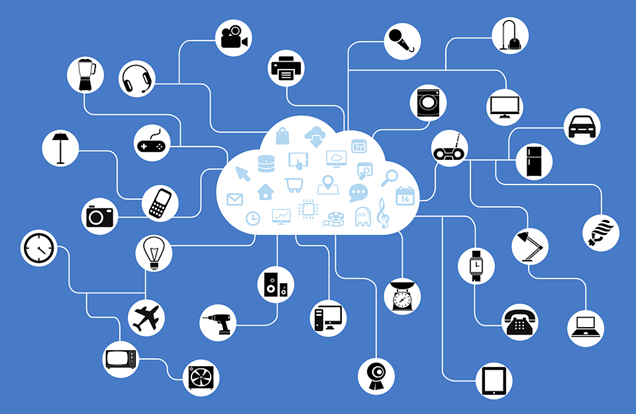
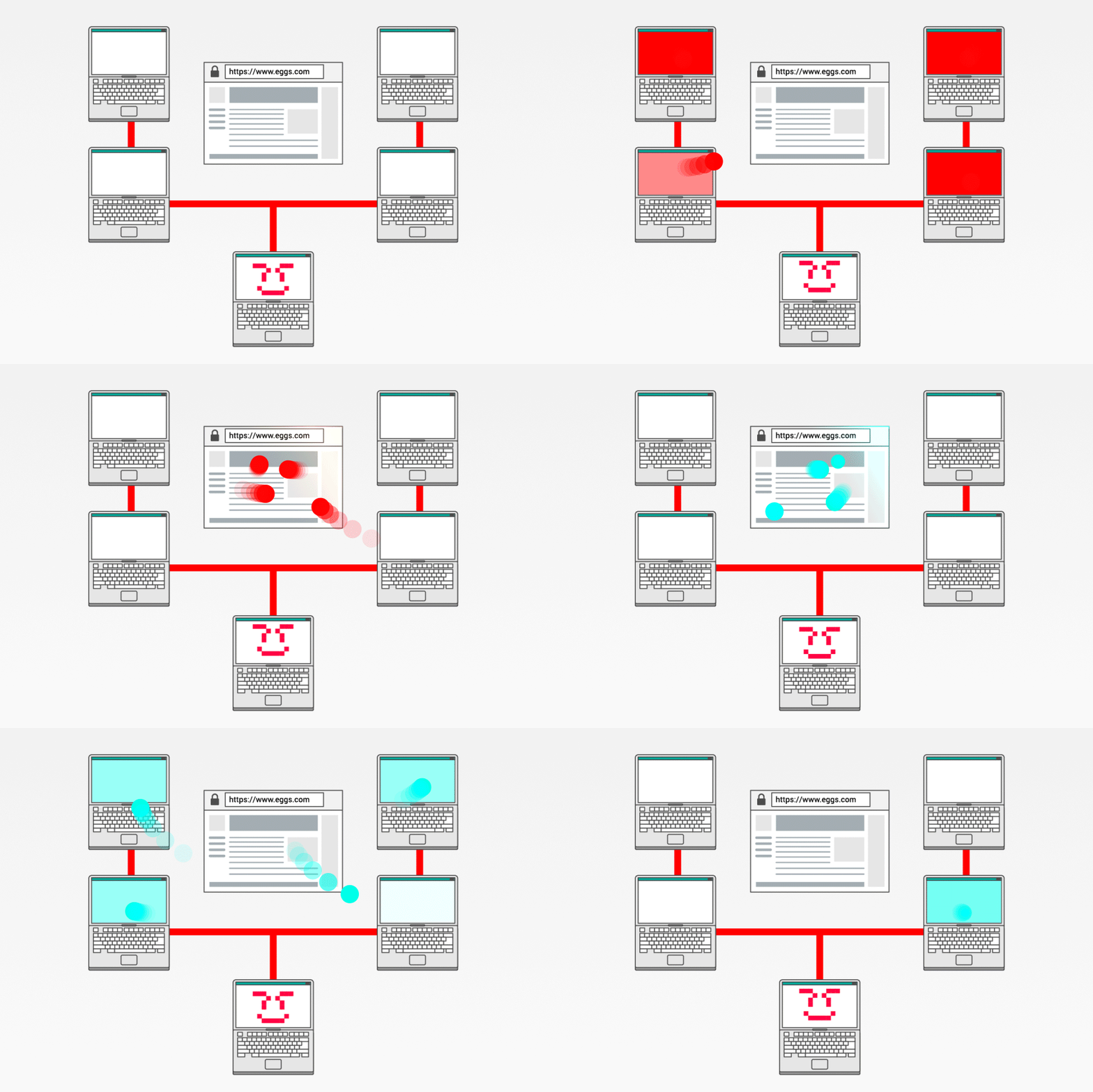
A botnet is a large collection of malware-infected devices (zombies).
An attacker (‘bot herder’) chooses when to ‘wake’ the zombies to perform an attack.
This might be to send multiple requests to a single server.
Question: What is the correct name for this type of attack? (We looked at this last lesson)
📝 Level 3 – US 2016 election on Twitter
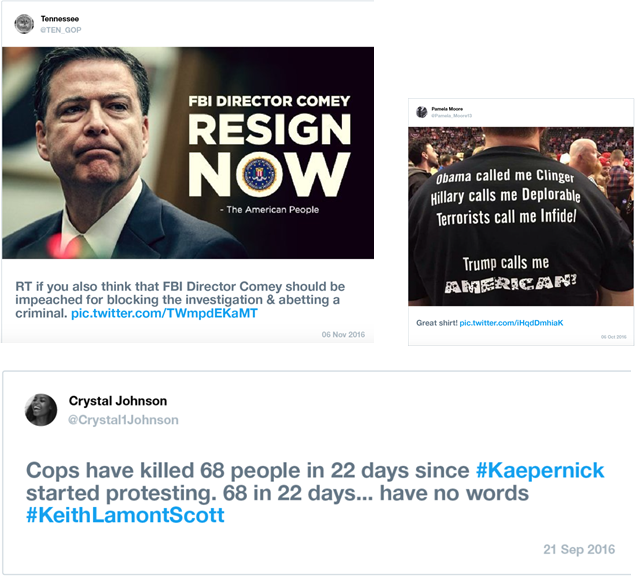
“We have identified a total of 50,258 automated accounts that we identified as Russian-linked and tweeting election-related content during the election period.”
Twitter Blog (2016)
What are the potential consequences of 50,258 automated accounts (non-human users) posting election-based content?
Download the Level 3 worksheet to answer this question.
🏅 Level Up
🥇 Level 1
- Complete the Level 1 task in the Level 1/2 worksheet and upload it to Teams.
🥈 Level 2
- Complete the Level 2 task in the Level 1/2 worksheet and upload it to Teams.
🥉 Level 3
- Complete your answer to the question in the Level 3 worksheet and upload it to Teams.
In this lesson, you…
- Looked at how different types of malware cause problems for computer systems
- Discussed how malicious bots can have an impact on societal issues
Next lesson, you will…
- Look at how we can protect computer networks from the threats that we have learnt about in the unit so far