🎯 Learning Objectives
- To be able to use the micro:bit to develop understanding of creating programs
- To understand what an algorithm is and how they can be used to develop programs
💬 Key Vocabulary
- algorithm
- abstraction
- binary
- decomposition
- variable
- development
📝 Starter Activity – Making a cup of tea
Write down the step-by-step process for making a perfect cup of tea in a new blank Word document.
This is called an “algorithm”.

📖 Some key programming terms
Abstraction
- removing all of the irrelevant parts from a problem in order to make it simpler to understand
Decomposition
- breaking down a problem into smaller, logical steps/parts which are individually easier to solve
📖 Input -> Process -> Output – Cup of Tea
Once you have decomposed the steps for making a cup of tea you can abstract the unnecessary detail away and sort the steps into either an Input, Process or Output.
| Input | Process | Output |
|---|---|---|
| Kettle is filled with water | Teabags are placed in the teapot | Brewed (processed) tea is poured into a cup |
| Plug is switched on | Boiling water from the kettle is poured into the teapot | Milk and/or sugar are added to personal taste |
| Tea brews for a period of time |
📖 Another key programming term
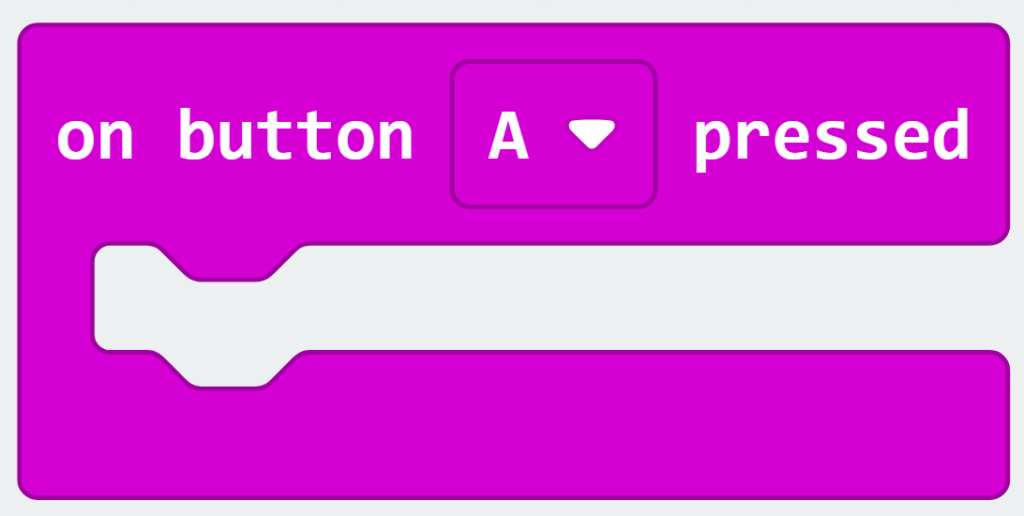
Event Handler
- This is a Computer Science term. It means ‘a block of code which runs when something (an event) happens’. An example of an event could be when a button is pressed.
📝 Level 1 – Guess the Direction Game – Break it down
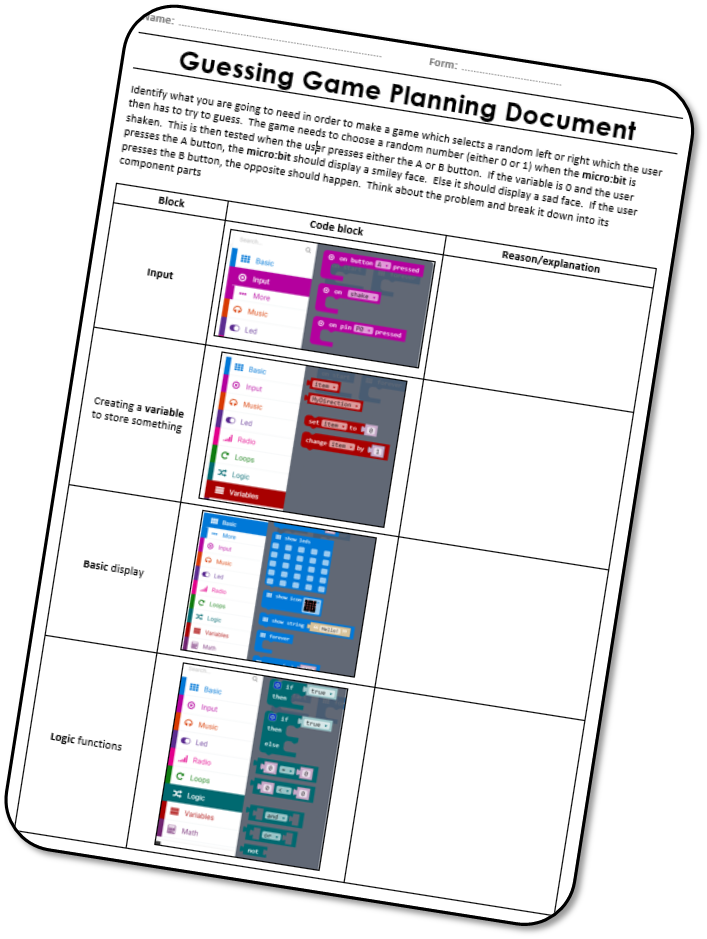
When shaken, the micro:bit should pick either left or right (0 or 1) at random. The player then presses either button A or button B to choose left or right. If they are correct, the micro:bit will display a smiley face. If they are incorrect, it will display a sad face.
Download the Level 1 worksheet and describe what each type of block does and how it will help you solve create the game.
📝 Level 2 – Let’s get coding!
Go to https://makecode.microbit.org/ like you did last lesson to start coding, create a new project called “Lesson 2 – Guess the direction”.
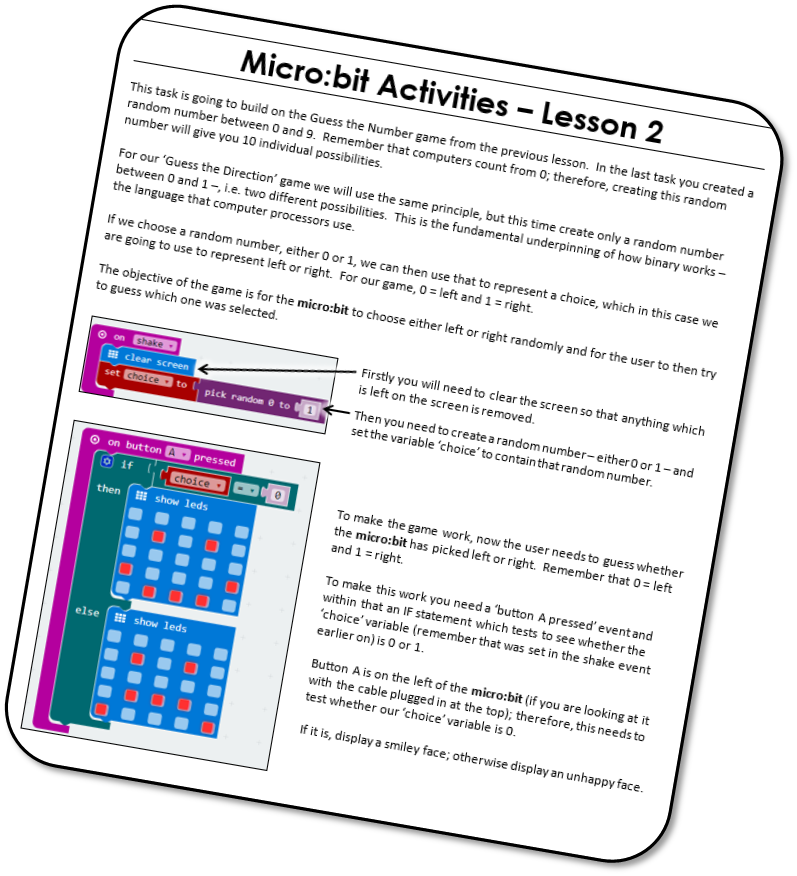
Then download the Level 2 worksheet and follow the instructions to develop the game.
📝 Level 3 – Documenting What You’ve Done
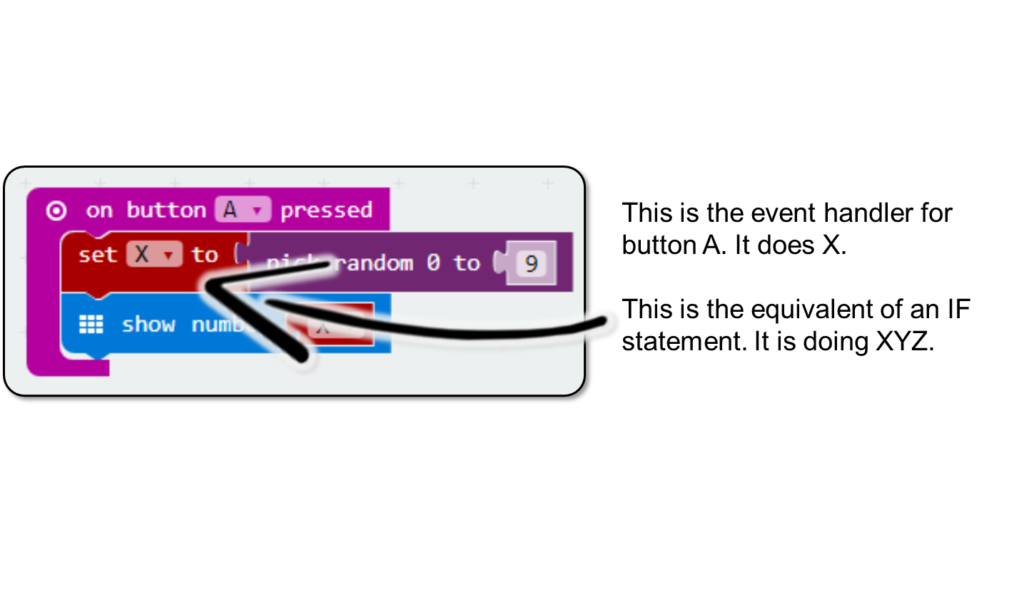
Take a screenshot of your Guess the Direction micro:bit code. Put it into a new Word document and use textboxes and arrows to explain what each bit is doing. An example can be see on the right.
Save this file as ‘Level 3 – Micro:bit Development Log’
Remember the decomposition of the problem – this would be a logical way to annotate it.
Upload the completed log to Teams.
📝 Plenary – What have we learnt today?
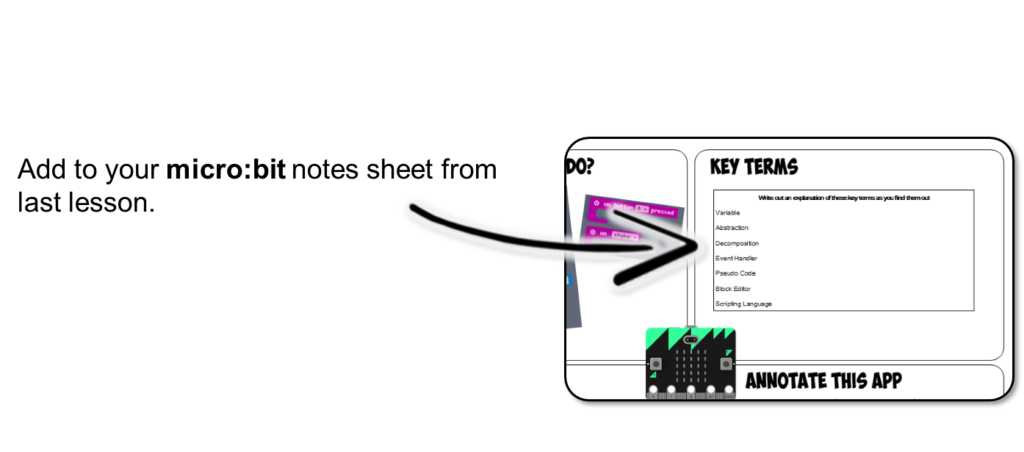
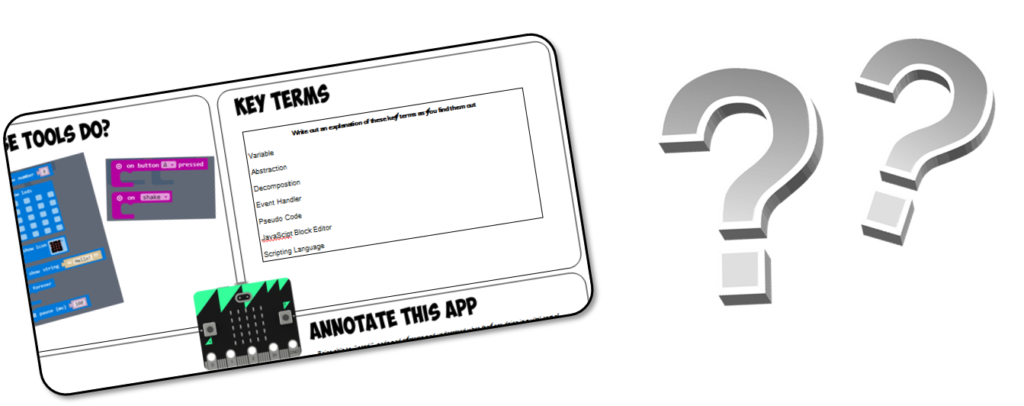
Can you add any notes to your micro:bit notes sheet, such as what the Blocks Editor is which you have been using? or What is a variable?
In this lesson, you…
- Created a direction guessing game and annotated the code
- Explain and discussed examples of different Blocks Editor code and explained what they are doing
Next lesson, you will…
- Code a lock system for a safe to keep your belongings safe.
🏅 Level up
🥇 Level 1
- Upload the completed Level 1 worksheet to Teams.
🥈 Level 2
- Upload a screenshot of your code from Makecode to Teams.
🥉 Level 3
- Upload your Word file showing the development log.