In this unit, you will…
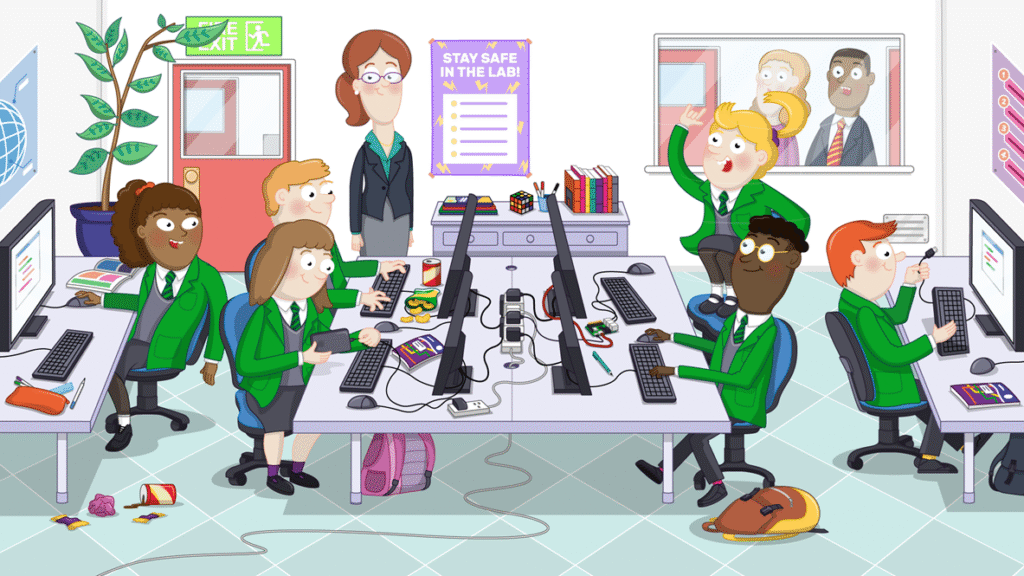
- Learn about the Computer Science lab and how to behave in it.
- Learn how to use the PC and login to your user account.
In this lesson, you will…
- Learn about the Computer Science lab and how to behave in it.
🎯 Learning Objectives
- Create a memorable and secure password for an account on the school network
- Remember the rules of the computing lab
💬 Key Vocabulary
- password
- rules
- hazards
📝 Starter Activity – Passwords are like underpants
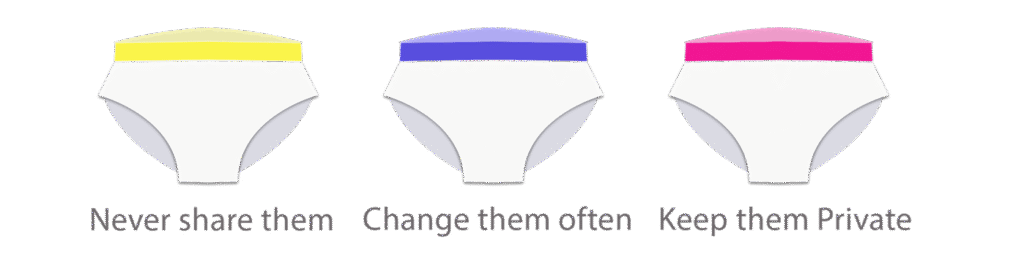
Question: What advice can you give me about passwords?
Think, write, pair, share
📖 What is happening in this video?
📝 How to make a strong & secure password
Use three random words (and at least one symbol and number)
such as
9fishcloudroad23!
Click here to go to a password strength checker.
Test the strength of these passwords to prove that three random words are best.
Password 1: qwerty
Password 2: p@ssw0rd
Password 3: Frog1234
Password 4: 9FishCloudRoad23!
📖 How will you remember your password?
Make it into a story!
My 9-year-old fish saw a cloud from road 23!

📝 Tasks – Do these now
- Change your password (your teacher will show you how)
- Add a password hint to your school planner
📝 Can you spot all 9 hazards?